Psyc402 : About GraphPad Prism
Instead of other statistical software such as SPSS or R, we will be using GraphPad Prism this semester.Prism is not available via Cougar Apps. However, there is a free version you can use the semester. You can get a copy on your personal computer (macOS or Windows) for use.
Important Note
- GraphPad Prism requires macOS or Windows -- it will not run on a Chromebook, iPad, Linux OS, or other platforms.
- You can install GraphPad Prism on two (2) devices that you own (Note: requires Prism 10.4 or later)
Need a Laptop?
Having a laptop will be very useful for this class. If you don't have one, you may be able to get a loaner from IITS:CSUSM Loaner Laptops
When do you need Prism?
- You will use Prism for Exercise 2 in week #4
- You will not need Prism from weeks 5-10
- You will need Prism again from weeks 12-15
Getting Prism: Free Class License
- In the third week of class, I will email you a link to the free version of Prism you can use this semester. If you didn't receive this or need help, please email the professor.
How to Activate Prism
- Download the software
Download Prism for Windows
Download Prism for Mac
- Install the software: Double-click the downloaded file, and follow the steps to install.
- When you see the screen that says 'Choose an Activation Method'
Choose Email Sign In (Named-user Licenses)
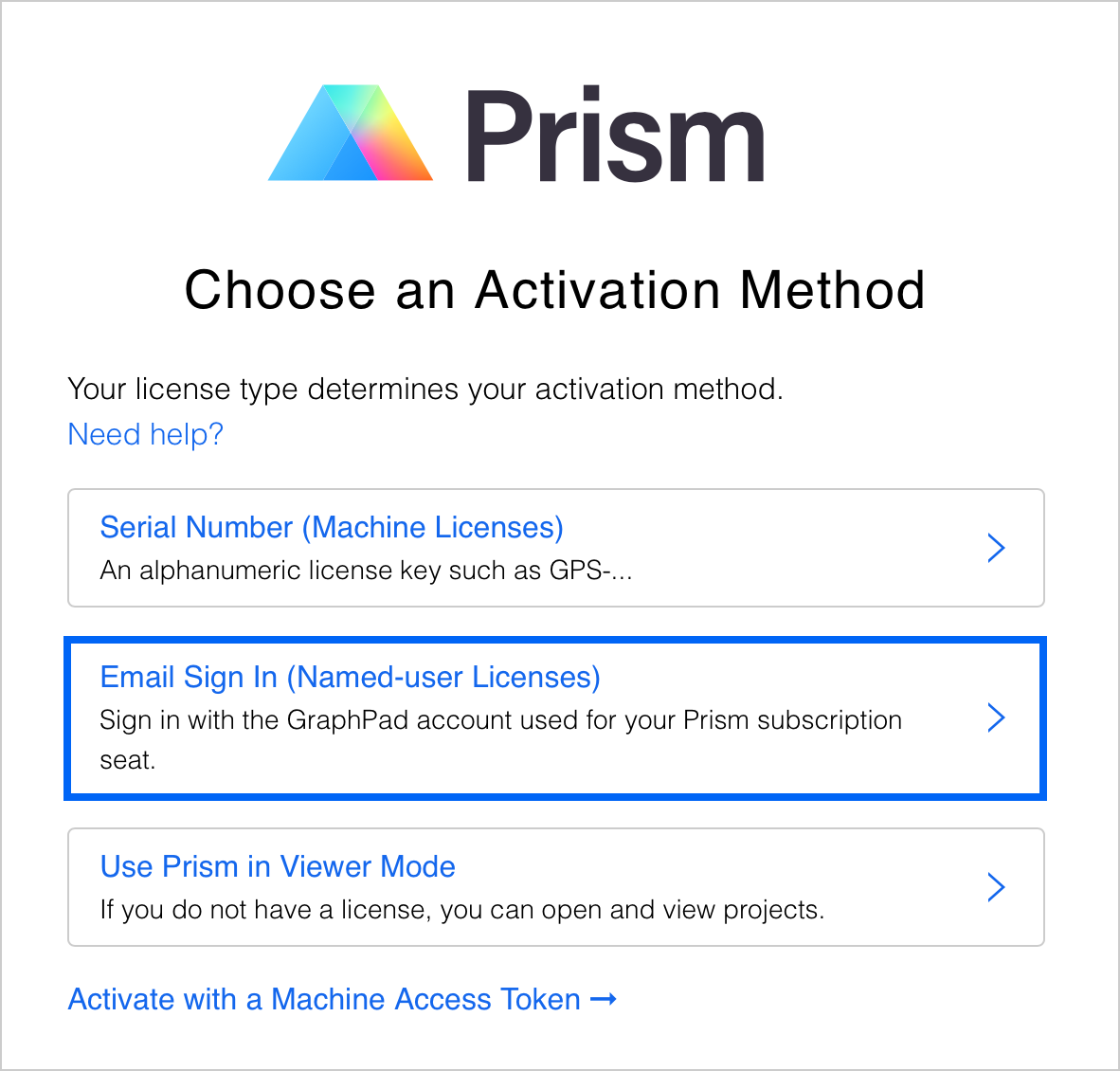
- Enter your email address.
You must use your CSUSM email address when you activate Prism on your computer.
Getting Prism: Other Ways
- You can also get a Free 30 day trial of Prism but you can only do this once.
- You can also purchase access for $50 per month